

Free
$0forever
- 10 translations a day
- All 13 languages
- Word cards and full-text translation
- Word list with export
Point at a word or select an area — Qlex reads the text and translates it right on your PC. Games, videos, PDFs, pictures: even text you can't select or copy.
◆
◆
◆
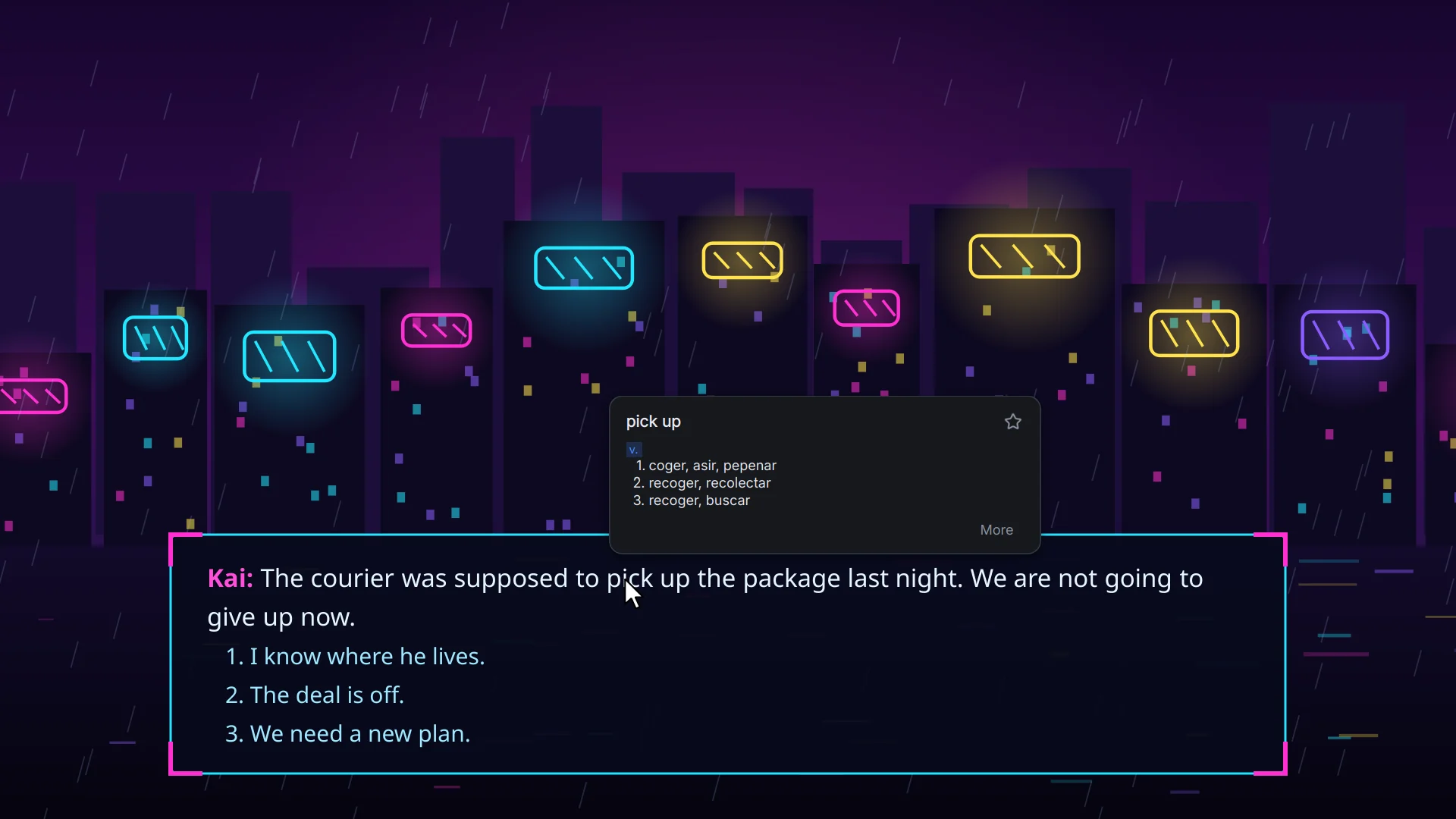
Qlex does not touch the game: it doesn't read its memory, inject code or hook the keyboard and mouse. It takes a picture of the screen, like any screenshot tool, and recognizes the text in it.
Yes. Recognition, the dictionary and translation run on your computer. The internet is needed only to download a language once and to check a Qlex Pro key.
In exclusive fullscreen mode Windows doesn't show other windows on top of a game. Switch the game to “borderless window” or “windowed fullscreen” — it looks the same.
From English, Spanish, Portuguese, Turkish, Russian, French, Italian, Ukrainian, Polish, German, Chinese, Japanese and Korean. The dictionary card for a word works for English text.
Usually under a second on a modern PC. Chinese, Japanese and Korean take a few seconds the first time while the language model loads.
Only unlimited translations: the free plan allows 10 a day. All languages and features are the same.
Yes, a key works on two computers. To move it, choose “Deactivate this computer” in the Qlex Pro window and enter the key on another one.
Install: sudo apt install ./qlex_1.2.1_amd64.deb64-bit system, 1 GB of RAM, about 1 GB of disk space. Chinese, Japanese and Korean: 4 GB of RAM and 4 GB of disk space more.
